Browse
3,000 skills. One search box.
Indexed from public repositories. Every one is readable before you install it.

For Claude, Codex, Cursor
A skill teaches your AI one thing well. Connect enough of them and you get something that works like a whole — yours, shaped by what you do.
Drag to turn. Each point is a real skill.
The Windows app writes each skill into the right folder, in the right format for your agent — and shows you exactly what it wrote.
SkillTree for Windows · real screen
01
Not a plugin, not an app. A short document your AI reads before it starts — how to keep a tone, how to read a spreadsheet, how to review a diff.
Written in plain Markdown. You can read every one before you install it.
---
name: brand-voice
description: Keeps our tone when writing anything
---

# How we write

- Short sentences. One idea each.
- No superlatives. Never "revolutionary".
- Say plainly what does not work yet.

## Words we avoid

seamless · effortless · powerful · cutting-edge02
One skill calls the next. Read the document, pull the numbers, keep the voice. The order you put them in is the thing you actually built.
Share the whole arrangement with a link. The other person gets the same setup.
Output
Found 14 pages, 3 tables, a revision history.
Q3 down 8% — the drop is in one region, not all four.
One region slipped 8% last quarter. The other three held.
03
The desktop app writes them into your project — the right folder, the right format for each agent. It shows you what it wrote and it can take it back out.
Nothing is written outside the folders you register.
The website shows you what a skill becomes. Installing happens in the desktop app — a browser cannot write to your folders.
One shape
Skills do not sit in a folder side by side. They reach each other — what one knows, the next one can use.
Browse
Indexed from public repositories. Every one is readable before you install it.
Build
Arrange skills into a tree, see where two of them contradict each other, hand the whole thing over as one link.

Install
Claude Code, Claude, Codex, Cursor, ChatGPT — each gets the right file in the right place.

MCP
Pick an MCP server, say where it goes, and the app checks that it actually starts.
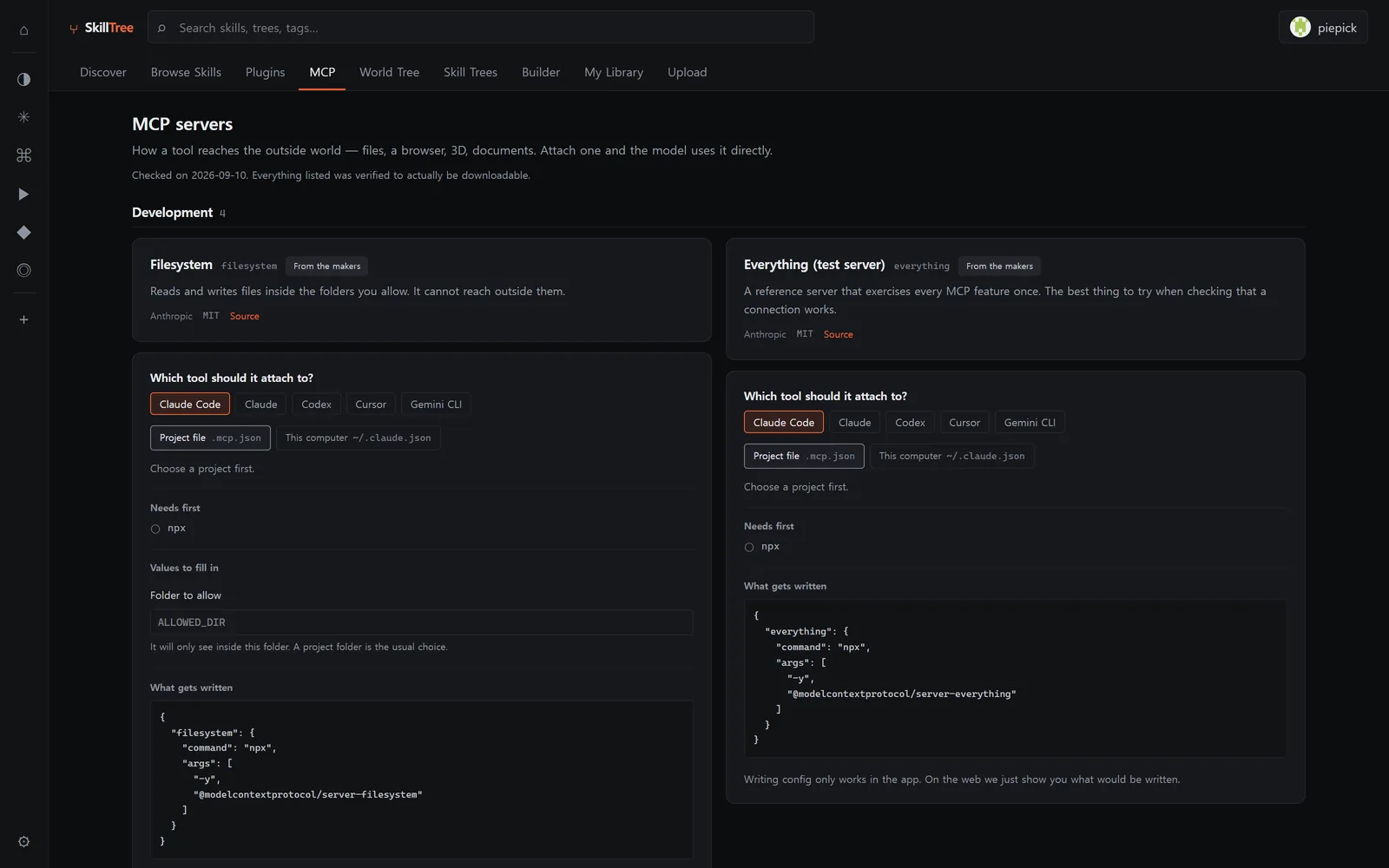
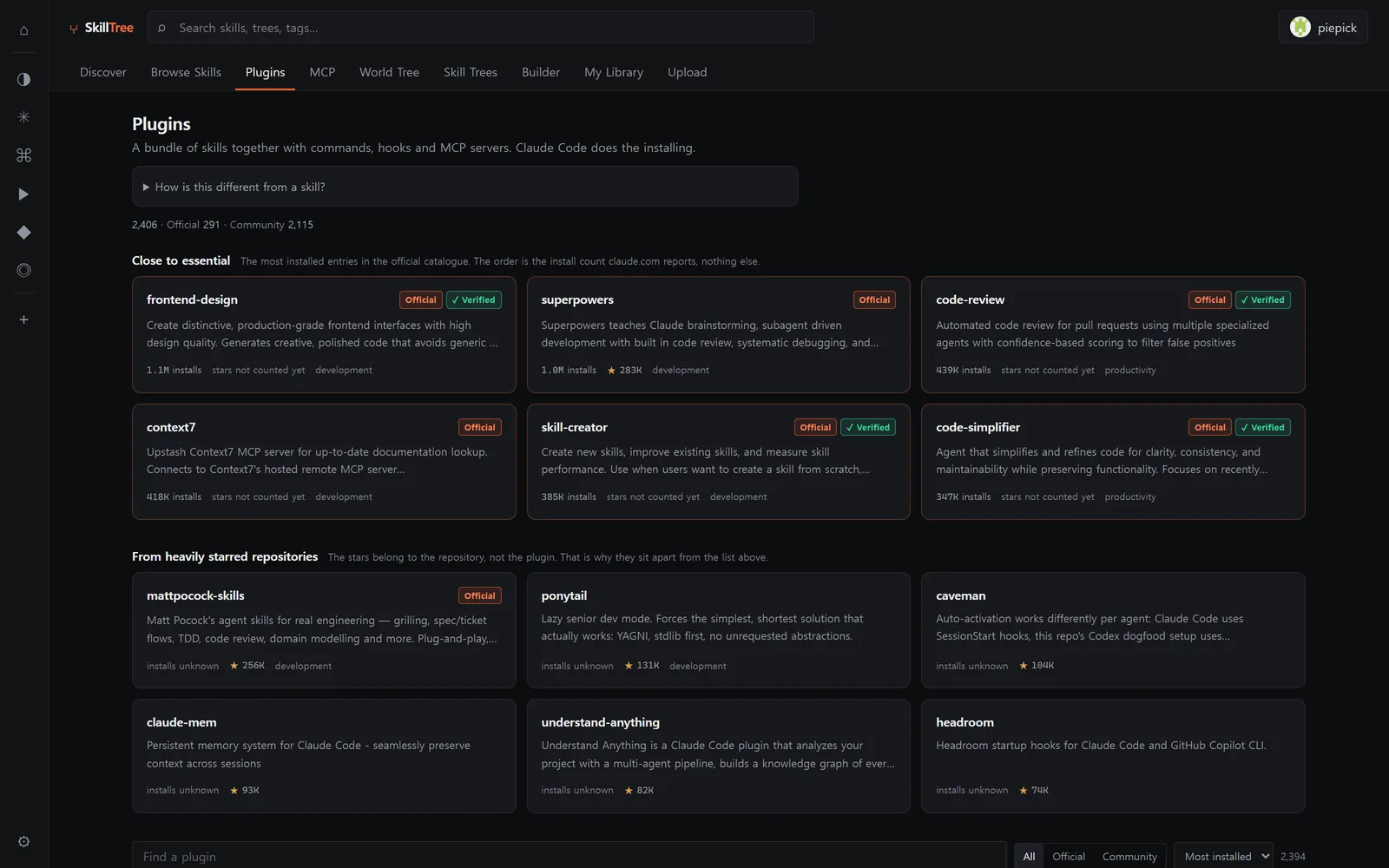
Plugins
Sixteen thousand skills that were hiding inside plugin bundles, listed one by one.
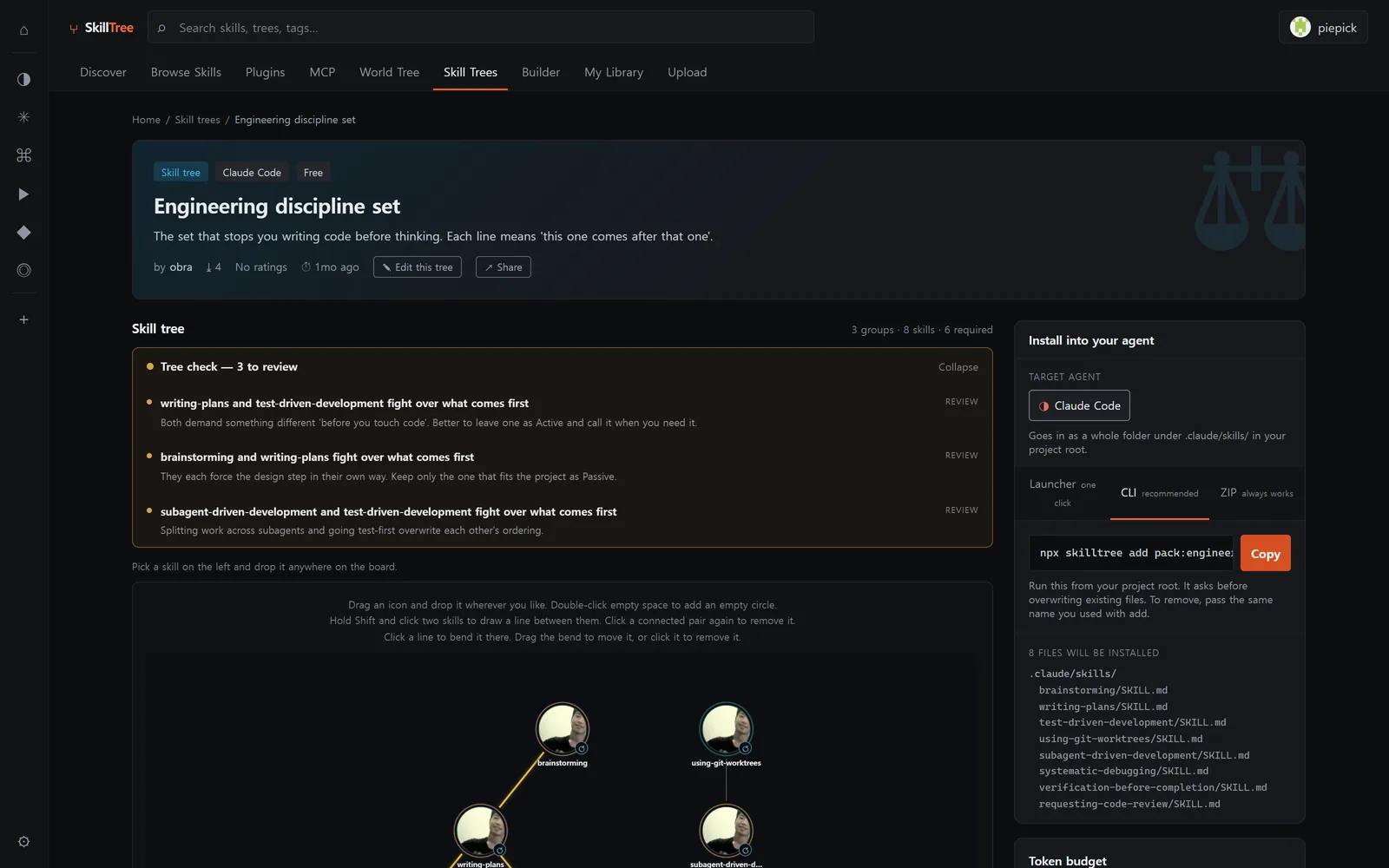
Trees
Skills already arranged for a job — a documents set, a design set, a coding-discipline set. Open one, see the tree, install it whole.
World tree
A board for the trees people built and the questions they asked along the way.

skills
authors
agents
Indexed, not hosted. The app fetches each skill straight from its repository, so the author keeps the credit and the licence.
In the catalogue right now
Structured self-debugging workflow for AI agent failures using capture, diagnosis, contained recovery…
Auto-review pipeline — reads the full CEO, design, eng, and DX review skills from disk and runs them sequentially with a…
Design banners for social media, ads, website heroes, creative assets, and print…
Lazy senior dev mode for any coding task (write, refactor, fix, review): YAGNI, stdlib first…
Believable agent cost report for any period, default the last 7 full days PT, not counting today…

Open it and the catalogue is already there.
Download for Windowsv0.4.2 · 154 MB · 2026-10-08 · Windows 10/11 · 64-bit
Windows may warn you. We do not have a signing certificate yet.